- From the homepage, click Start State plan.

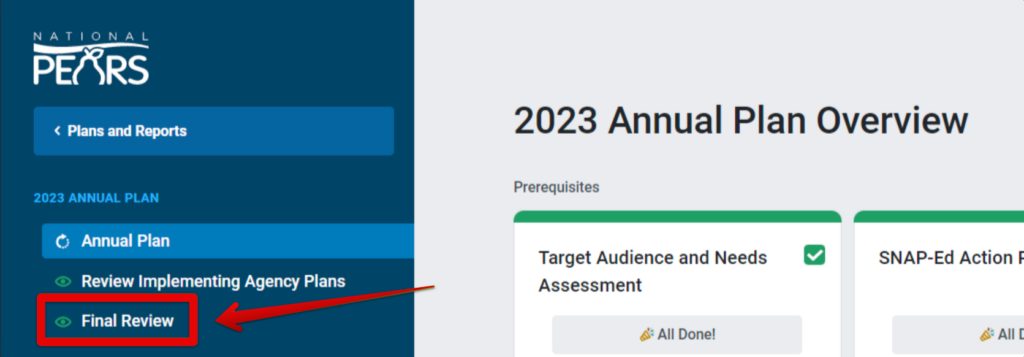
- From the State plan Overview page, go to the navigation menu and select Final Review.
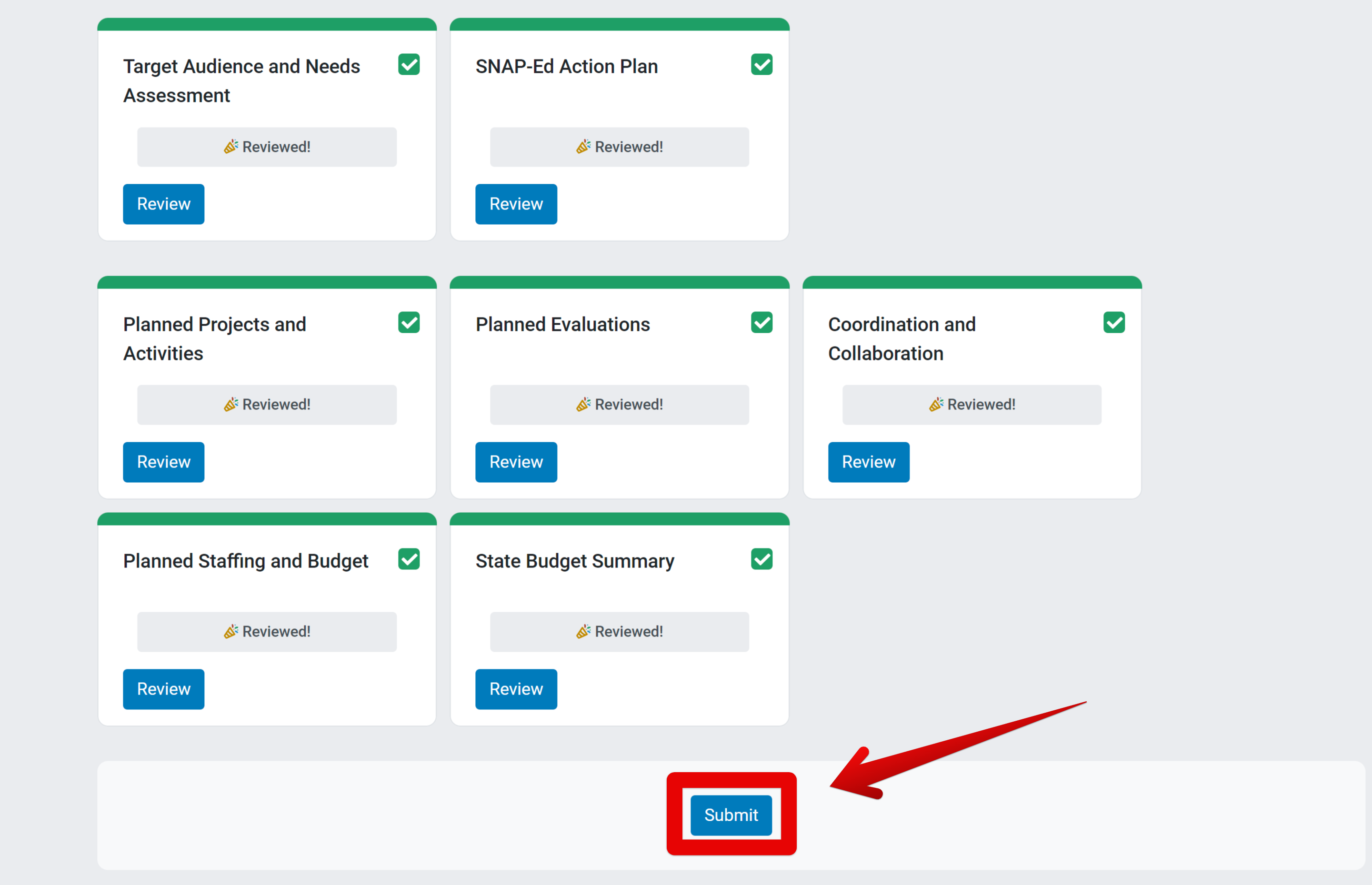
- In the Final Review section, once all modules are marked as reviewed click Submit.
-
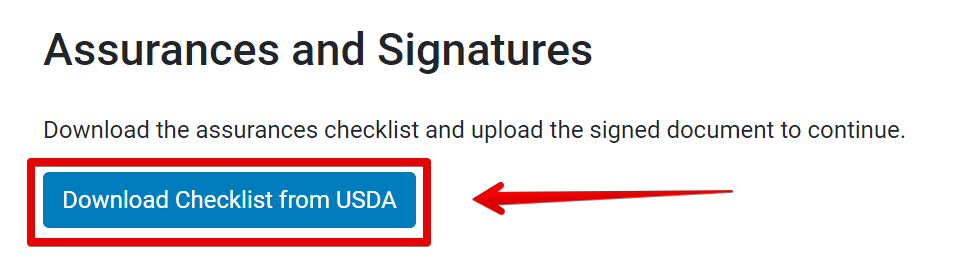
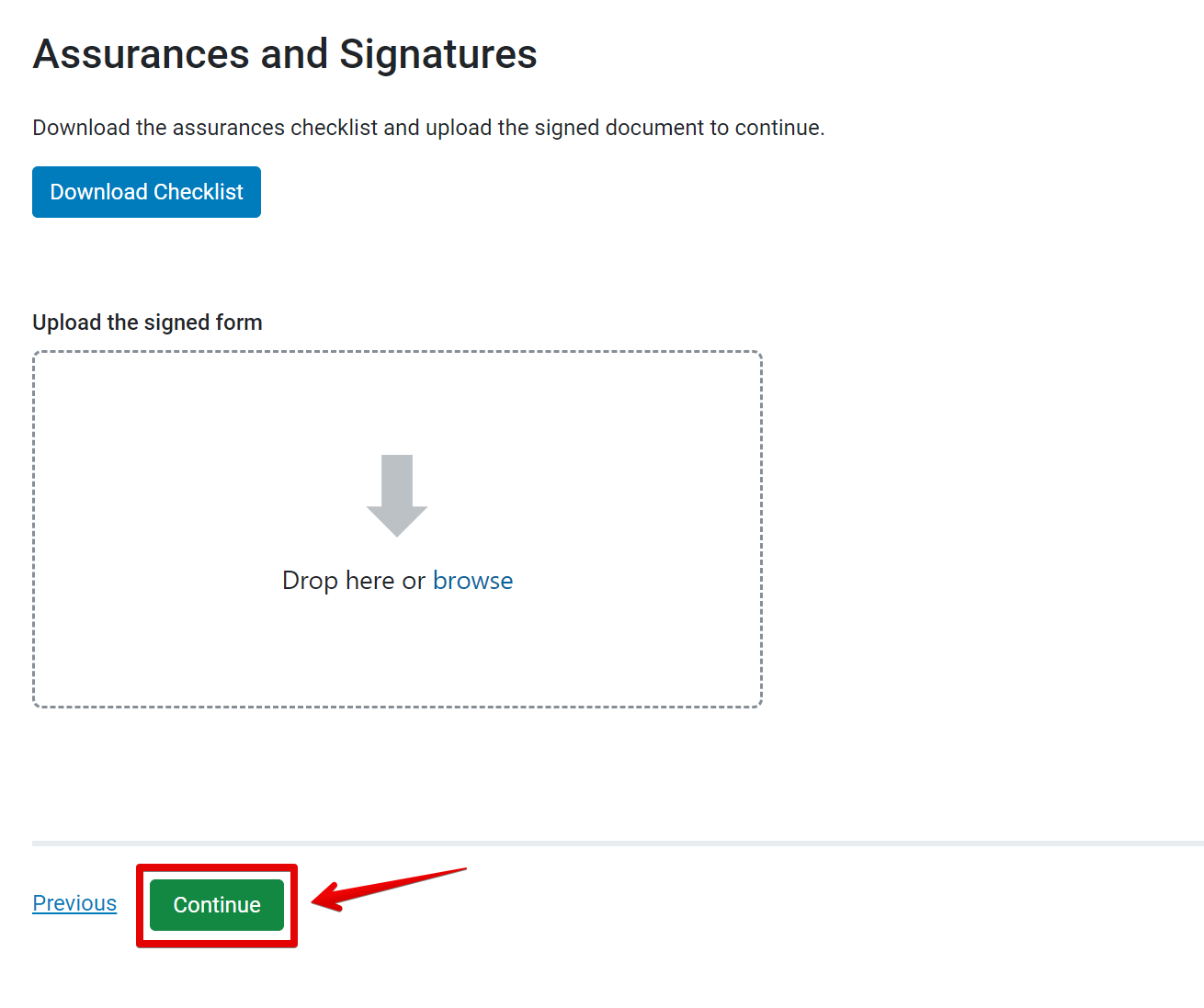
The Assurances and Signatures page appears. Click Download Checklist to download the assurances checklist.
-
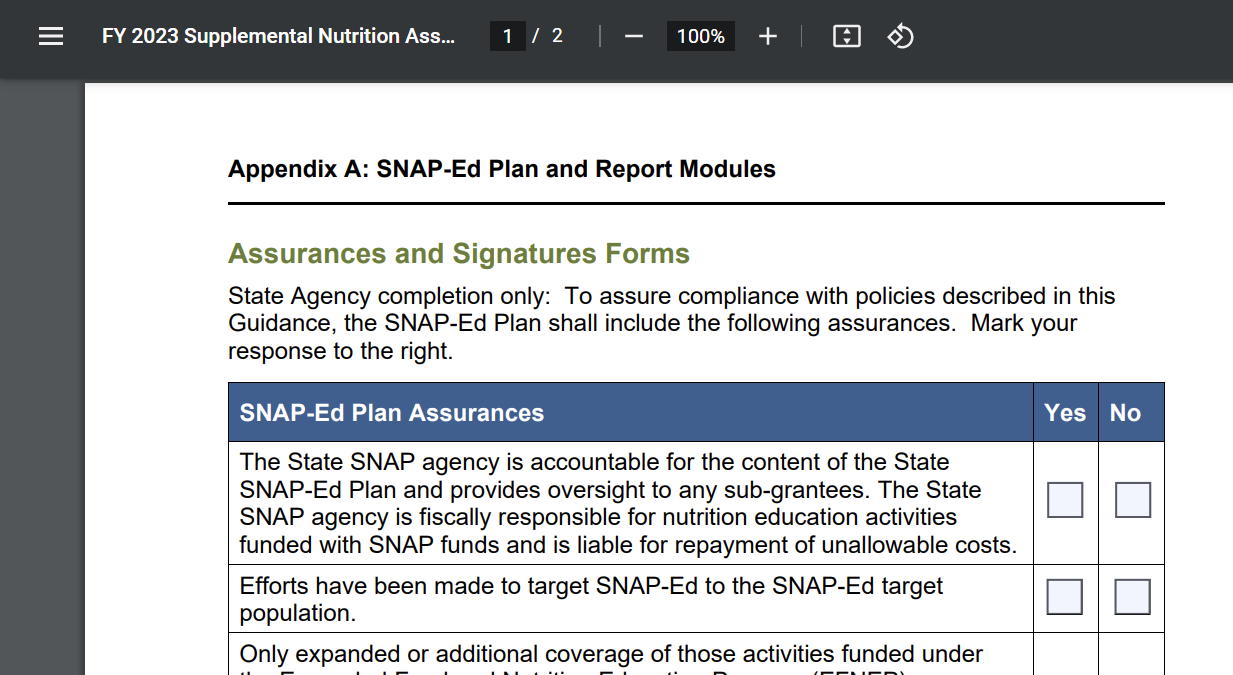
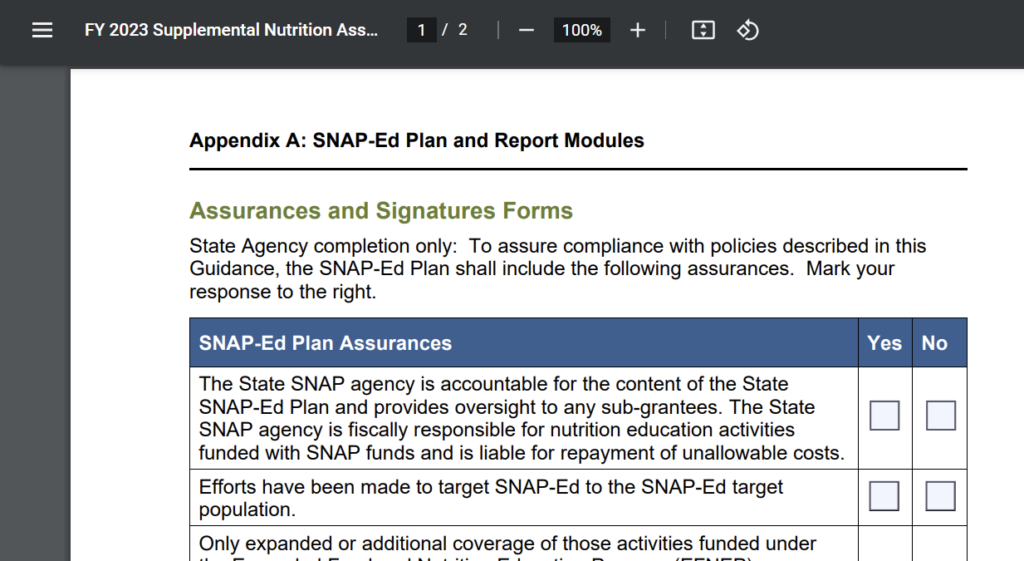
The checklist opens in a new window. Download the form or print to PDF and complete the checklist.
-
Sign the checklist and upload the signed form. Click Continue to move forward with plan submission.
-
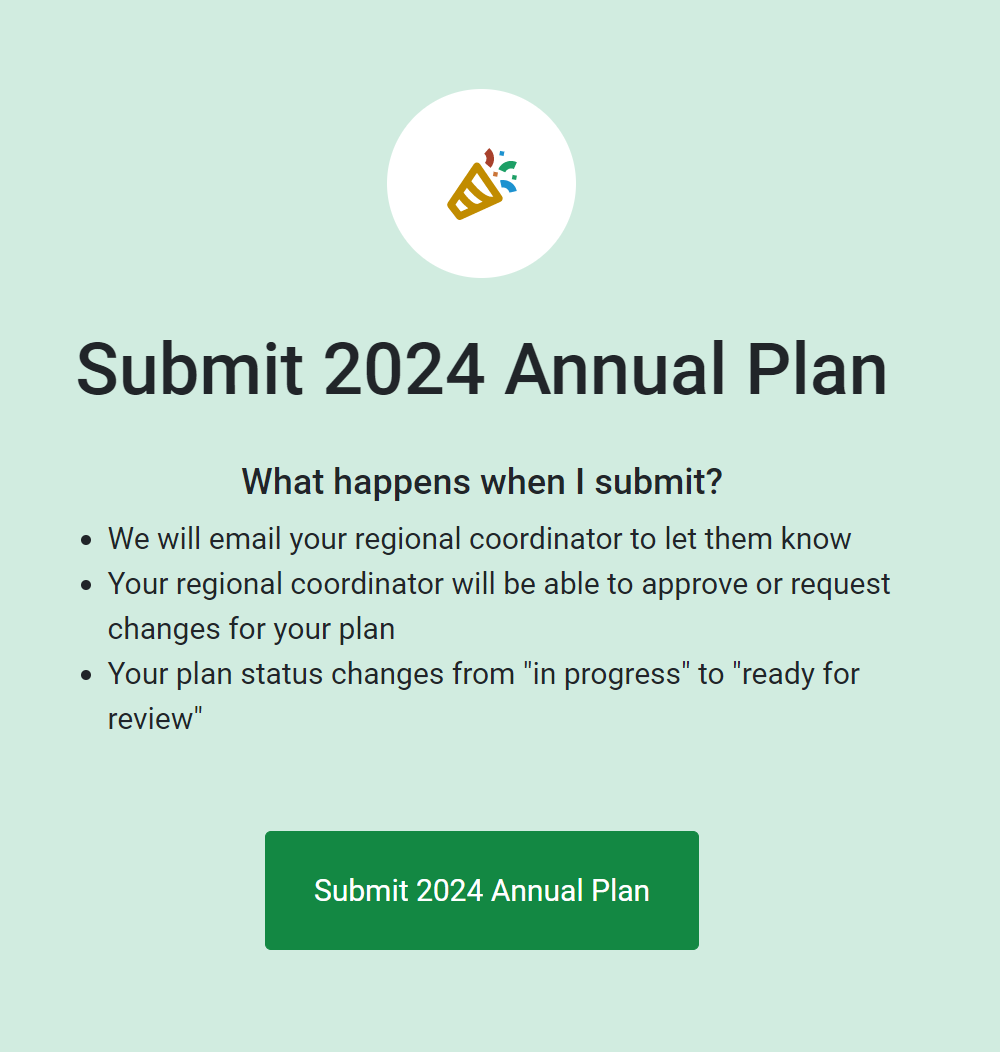
The Submit State plan page appears. To submit the plan to the Regional Office for review, click Submit State plan.
-
The confirmation page appears. Optionally click the Review button to review the submitted plan.